
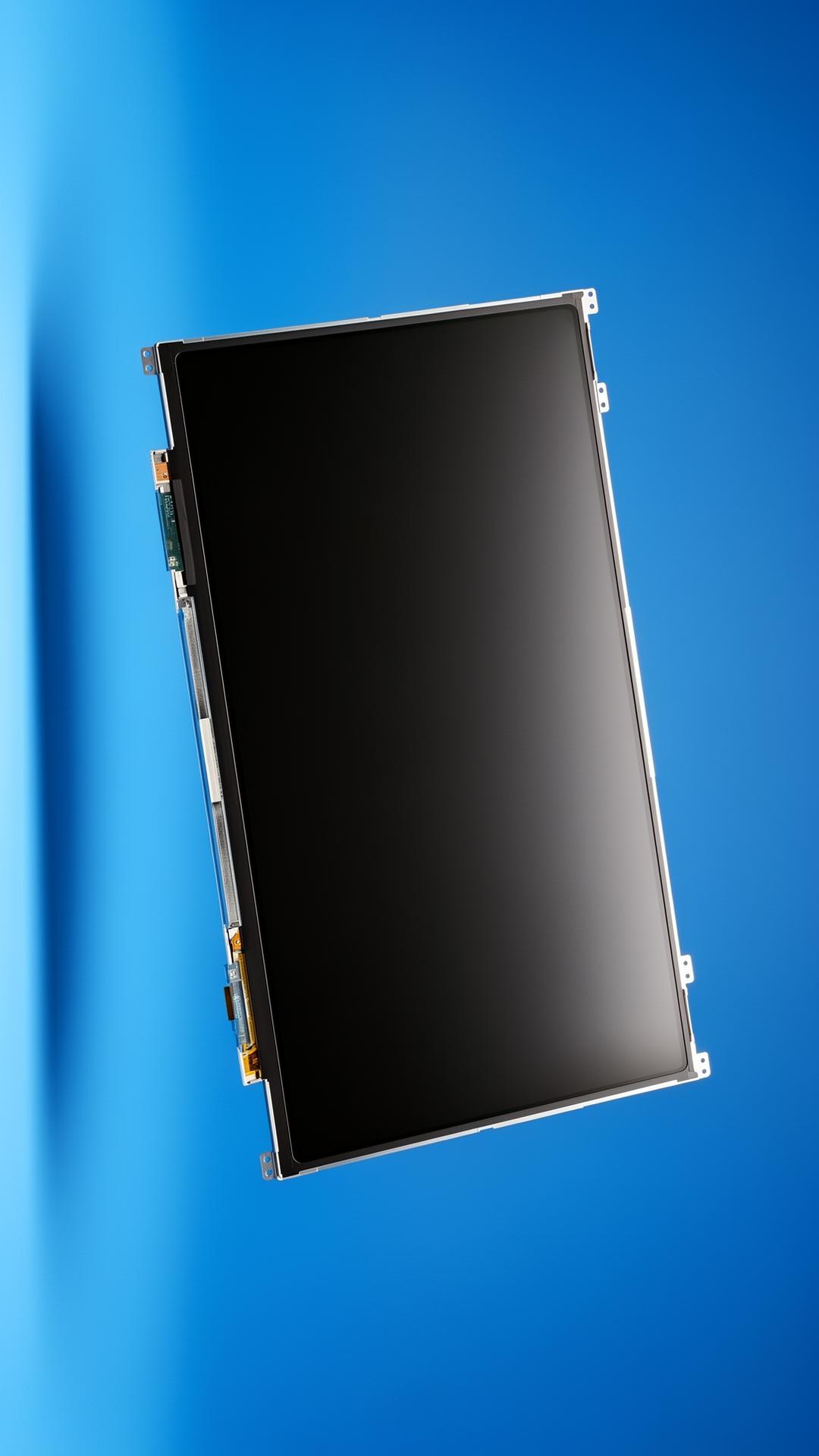
Introduction
Almost every modern laptop uses an LED-backlit LCD panel — but 'LED screen' has become shorthand for newer slim panels with higher brightness and lower power draw. Here is how to choose without confusion.
LCD vs LED — the real difference
Both technologies use a liquid-crystal layer to form the image. The difference is the backlight: older CCFL-backlit LCDs used a fluorescent tube; LED-backlit panels use white LEDs along the edge. LED panels are thinner, brighter, more power-efficient and have replaced CCFL across the laptop industry.
Five things to match on a replacement
- Size and resolution — 14.0 inch FHD is not the same as 14.0 inch HD
- Connector — 30-pin eDP for HD/FHD, 40-pin for 4K and 144Hz
- Backlight orientation — top or bottom LED bar
- Finish — matte / anti-glare vs glossy
- Mounting — side brackets, top brackets, or bezel-less
Touch vs non-touch panels
Touch panels integrate a digitizer layer and use a different connector. Always confirm if the original screen is touch before ordering — visually identical panels can have completely different cabling.
Frequently asked questions
- Is upgrading from HD to FHD possible?
- Often yes, provided the connector and BIOS support it. Send us your model and we will confirm.
- Are compatible panels OEM quality?
- ProCare sources from the same Tier-1 panel makers (BOE, AUO, LG, Innolux) that supply OEMs — the panels are functionally identical.
Looking for high-quality laptop spare parts?
ProCare stocks BIS-certified compatible parts for Acer, ASUS, Dell, HP, Lenovo, Samsung, Sony and Toshiba — shipped pan-India from Nehru Place, New Delhi.
View laptop screens in stock